Key takeaways
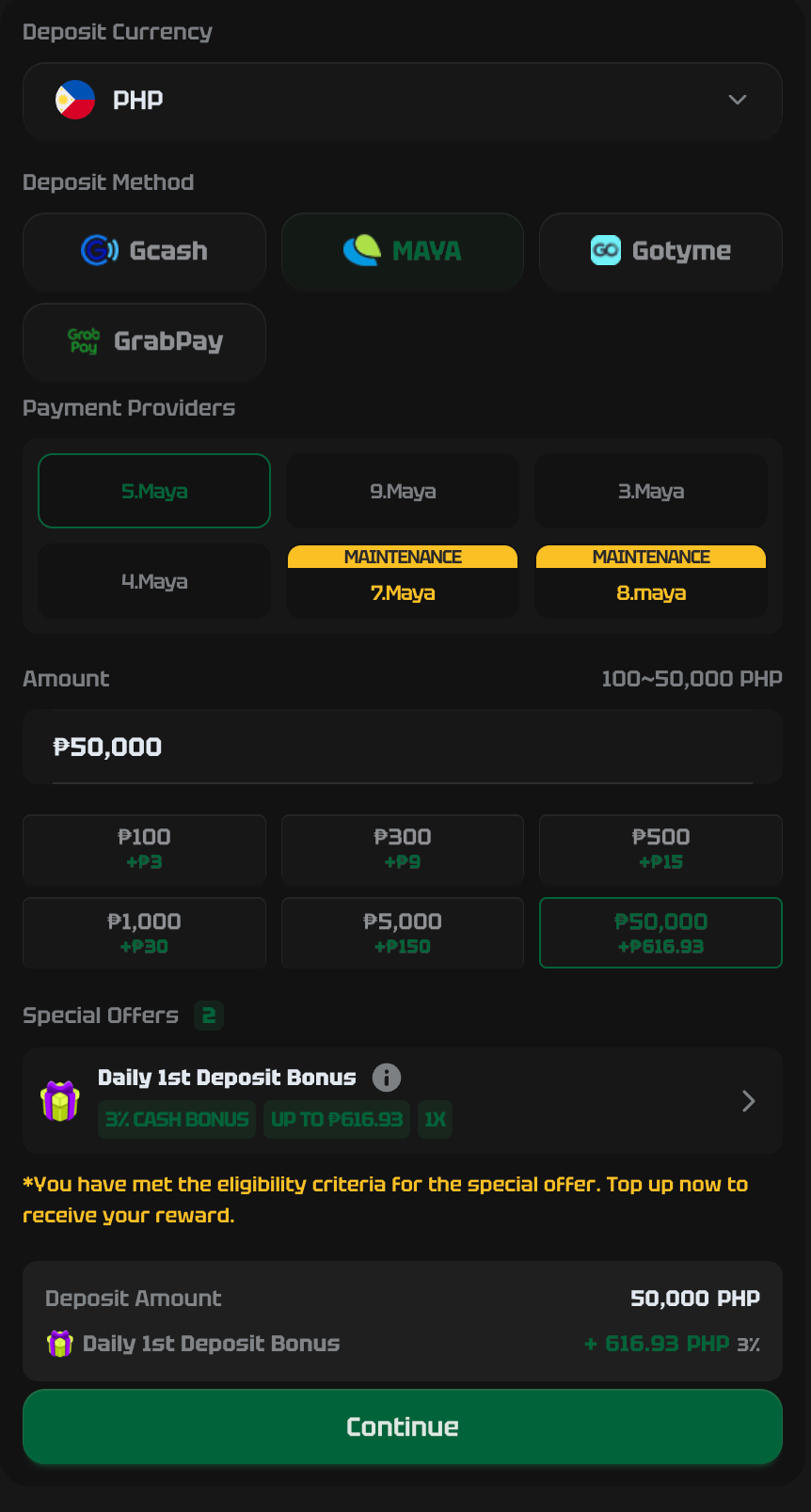
- Maya works as a payment method on Binance P2P — pay a vetted merchant in pesos and receive USDT in escrow.
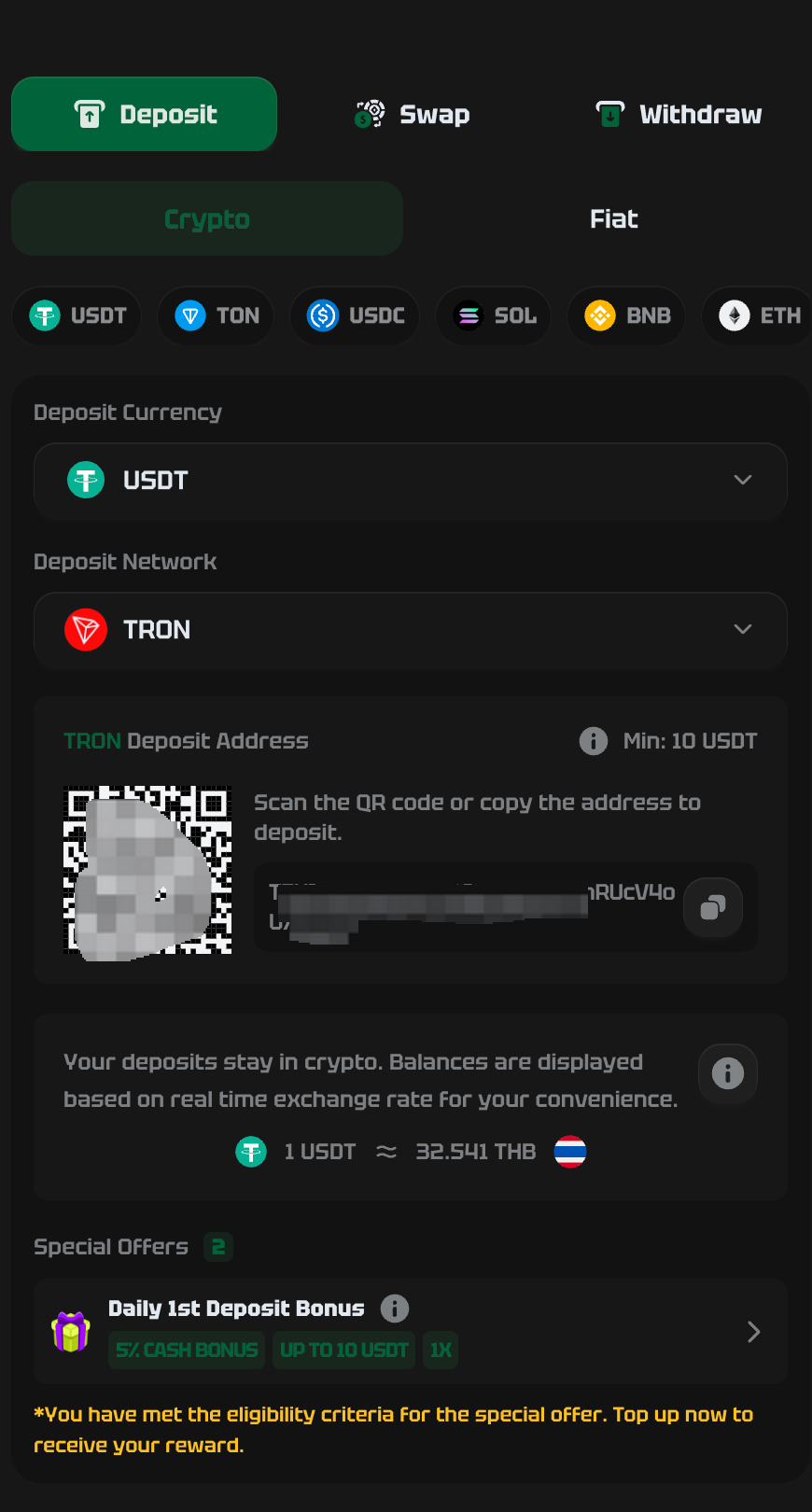
- Buy and send USDT on TRC-20 for casino deposits: fastest confirmation and roughly $1 in network fees.
- Choose merchants with a 98%+ completion rate, thousands of orders and fast release times — and stay inside the app.
- Coins.ph and PDAX are simpler BSP-registered alternatives if you'd rather skip P2P entirely.
Maya is the second wallet many Filipino players reach for, and it pairs cleanly with Binance P2P to turn pesos into USDT for crypto casino deposits. This guide shows the Maya-and-P2P route end to end, how to pick a merchant who won’t waste your time, and the network detail that protects your money.
For the wider picture on crypto deposits, start with our crypto casino deposits guide. Prefer GCash? We have a dedicated GCash to USDT walkthrough too — the steps here are the Maya equivalent.
The route in one line
Maya → buy USDT (TRC-20) via Binance P2P or a local exchange → send USDT to the casino. Below, each leg done safely.
Why Maya + Binance P2P works well
On Binance P2P, you’re buying USDT directly from another person — a “merchant” — who accepts Maya as payment. The platform locks the merchant’s USDT in escrow the moment your order opens, so the coins can’t disappear while you pay. You send pesos via Maya, mark the order paid, and the USDT releases to you. Rates are competitive and there’s almost always someone available.
If that sounds like one step too many, Coins.ph and PDAX are BSP-registered apps where you can cash in from Maya and buy USDT at a fixed in-app price. Simpler, slightly pricier. Both are fine.
Step by step: Maya → USDT on Binance P2P
- Complete KYC once. Verify your identity on Binance with a valid ID. It’s a legal requirement for registered platforms and it protects your account.
- Go to P2P → Buy → USDT, and set the payment method filter to Maya.
- Choose a strong merchant (see the checklist below). Open an order for the peso amount you want. The merchant’s USDT is now in escrow.
- Pay through Maya to the exact account shown in the order, using the reference provided. Do not pay any account sent to you in chat outside the order.
- Tap “Transferred / Mark as paid” once Maya confirms. The merchant releases the USDT to your Binance wallet.
- You now hold USDT, ready to send to the casino.
How to pick a safe P2P merchant
A good merchant makes this boring and fast — which is exactly what you want. Look for:
- Completion rate of 98%+ and thousands of orders. Avoid fresh accounts.
- Fast average release time (a few minutes). Slow merchants tie up your money.
- Payment-window comfort: open an order only when you can pay promptly within the timer.
- Name match: the Maya recipient name must match the verified merchant. If it doesn’t, cancel.
Escrow keeps you safe only while you stay on the app. The instant a “merchant” asks to move to Telegram, accept a different account number, or settle outside the order — stop and report. That request is the scam.
Step by step: sending USDT to the casino
- On the casino cashier, pick Crypto → USDT → TRC-20 and copy the deposit address.
- In Binance, go to Withdraw → USDT, select the TRC-20 network, and paste the address.
- Verify the first and last four characters of the address match. Enter the amount.
- On a casino you haven’t used before, send a small test amount first, confirm it arrives, then send the rest.
- Wait for confirmations — minutes on TRC-20 — and your casino balance updates.
Fees and what to expect
- Network fee: about $1 on TRC-20 to send USDT. Don’t pick ERC-20 by accident — it can cost several times more.
- P2P spread: built into the merchant’s rate; compare two or three before buying.
- Maya fees: any Maya transfer fees are separate from the casino.
- Casino-side deposit fee: none at reputable operators — a charge here is a red flag.
Cashing out back to Maya
Reverse the route: withdraw winnings from the casino to your Binance wallet as USDT (TRC-20), then sell that USDT on P2P to a merchant who pays out via Maya — or convert through Coins.ph / PDAX and cash out to Maya from there. Same escrow rules, same on-app discipline. If you also use GCash, our GCash to USDT guide covers that side of things.
Frequently asked questions
Can I use Maya to buy USDT?
Yes. The most common route is Binance P2P, where you select Maya as the payment method and pay a merchant who accepts it; the USDT sits in escrow until your payment is confirmed. You can also fund a BSP-registered exchange like Coins.ph or PDAX from Maya and buy USDT directly there.
Maya P2P or a local exchange — which is better?
P2P (Binance) usually gives a better rate and more liquidity; a local exchange (Coins.ph, PDAX) is simpler with a fixed price. New users often start on a local exchange and move to P2P once they're comfortable. Both are legitimate when you stay on the official app.
Which network should I choose when sending USDT to a casino?
TRC-20 (Tron) in almost every case — it's the cheapest mainstream option at around $1 and confirms in minutes. Only use ERC-20 or BEP-20 if the casino specifically requires it, and always match the casino's stated network exactly.